
Download Dose and start the same day.
The latest Dose Desktop for Windows. It is free to use, no card required, and we move your data for you.
Dose Desktop for Windows
Offline POS, FEFO expiry inventory, purchase orders, and shift reconciliation running locally on your PC.
Free to use forever · First 30 days with no usage limits · No card required
Dose Web dashboard
Monitor till sales, profits, shift handovers, and branch comparisons from any browser.
No install required · Access anywhere
Works on Chrome, Edge, and Safari
Dose Connect
Turn any Android or iPhone camera into a wireless barcode scanner for stocktakes and counter checks.
Instant QR pairing on pharmacy Wi-Fi
Included free with Dose Desktop
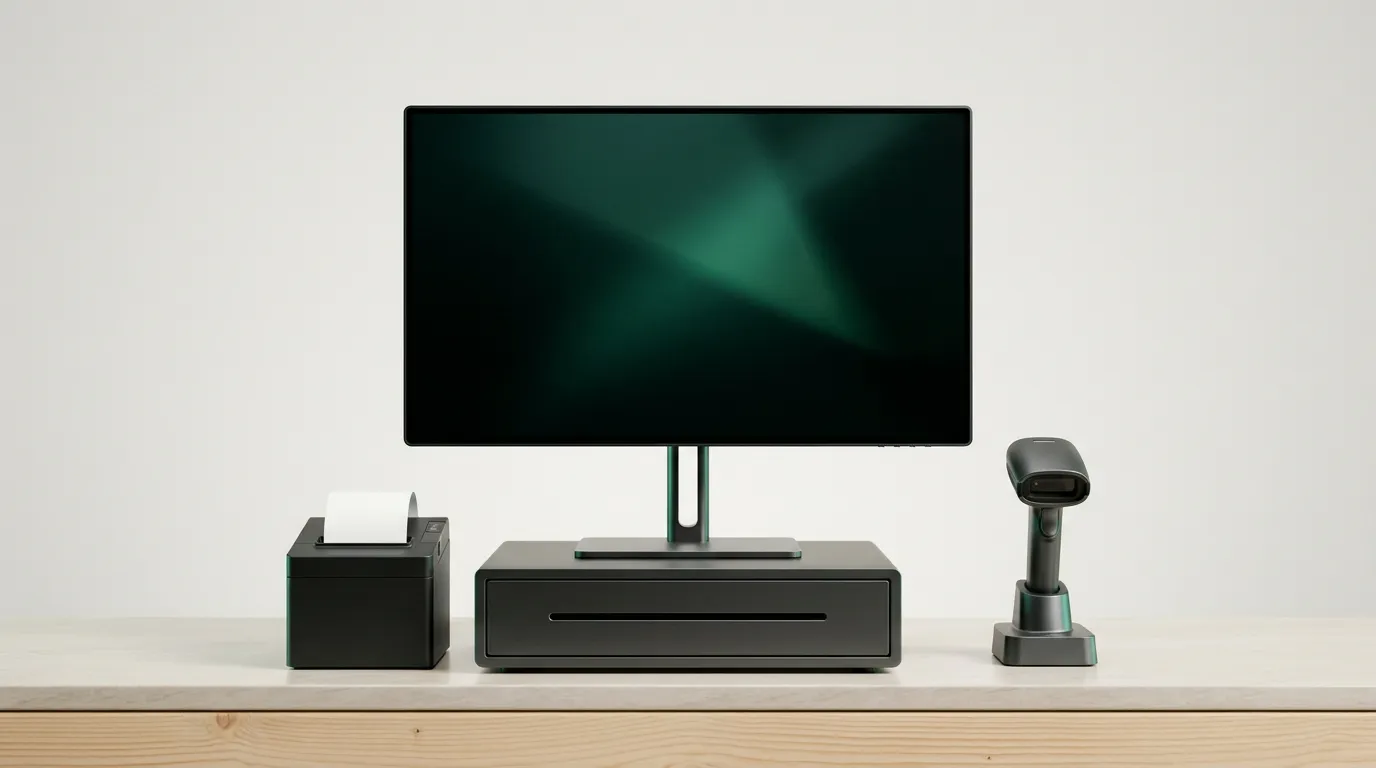
Runs on the counter hardware you already own
No proprietary terminals required. Install Dose on your existing Windows PC and use standard 58/80 mm thermal printers and USB keyboard-mode barcode scanners.
- Works with standard 58/80 mm thermal printers
- Works with USB keyboard-mode barcode scanners plus Dose Connect phone scan
Ready to sell in minutes
- 01
Download & install
Download the .exe installer. Installing requires administrator rights, because it installs for all users.
- 02
Free data import
Start with 24,000+ Egyptian drugs, or send us your Excel file or old system export and we import your Excel file for you for free.
- 03
Start selling at the counter
Press F2 for instant local search, print on standard 58/80 mm thermal printers, or pair your phone over local Wi-Fi with Dose Connect.
System requirements & hardware compatibility
- Operating system
- Windows 10 / Windows 11 (64-bit)
- System memory
- 4 GB minimum (8 GB recommended)
- Storage space
- 2 GB free disk space
- Supported hardware
- Standard 58/80 mm thermal printers and USB keyboard-mode barcode scanners
- Internet connectivity
- Selling, stock and shifts work offline. Activation, sync, AI invoice reading and catalog updates need internet.
Want to verify the file? SHA-256 checksums for this release
Download not starting, or need a hand installing? Message us on WhatsApp